Ways customers can join your pass
Every way a customer can save your pass to their phone — in store, online, and everything in between.
Overview
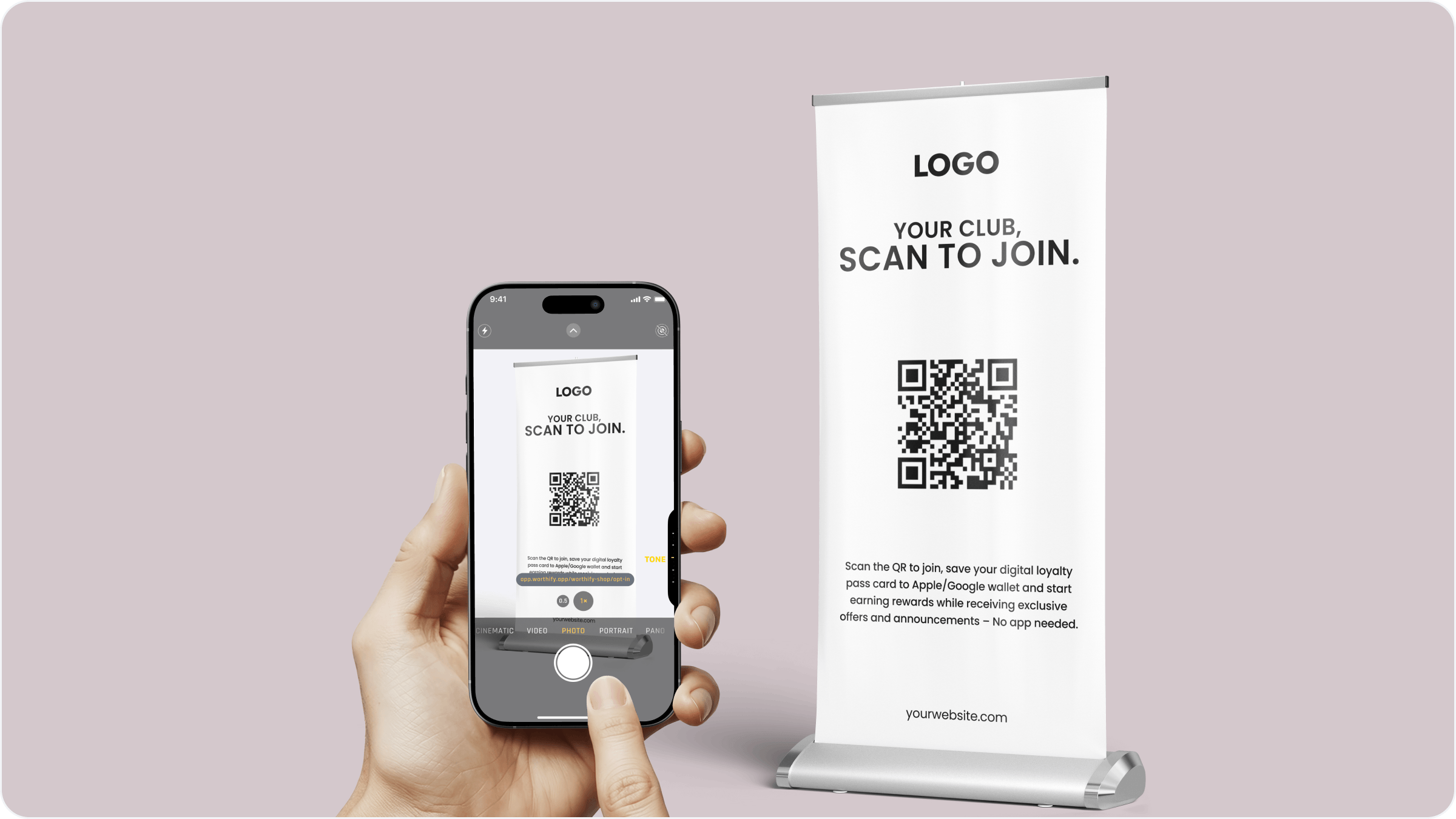
Your counter flyer is the primary way customers join, but it is not the only one. Worthify gives you several ways to get customers onto your pass so you can meet them wherever they are — at your counter, on your socials, or through a direct invite.
At your counter
The fastest and most consistent way to sign up customers. Place your printed QR code flyer at your register and ask every customer to scan it. When they do, your pass saves directly to their Apple or Google Wallet in seconds.
If you have a screen or tablet at your counter you can also use the Digital QR display instead of a printed flyer. Go to Your pass, then Branding, then the Digital QR tab to set it up. Customers scan directly from the screen — no printed materials needed.
Online
Share your unique join link anywhere customers might find you online. Go to Your pass, then Branding and copy your join link. You can post it to:
Your Instagram or Facebook bio
Your website or online menu
Your email footer or newsletter
Stories, posts, or pre-launch teasers
Customers who tap the link can save your pass the same way they would in store.
Direct invite
You can invite customers manually from your dashboard. Go to Customers and send a direct invite using their phone number or email address. They will receive a personalized link to save your pass.
This works well for:
Repeat customers you already know by name
Staff-led onboarding at the counter
Following up with a customer after a visit
Train your staff to mention your pass at every transaction. A simple "Have you joined our rewards program yet?" is one of the most effective ways to grow your customer base.
FAQs
Can customers join without scanning a QR code? Yes. You can send them a direct invite from your Customers tab or share your join link online. Both let them save your pass without scanning anything.
Can I display the QR code on a TV or screen in my shop? Yes. Use the Digital QR tab in your Branding section to pull up a display-ready version of your join screen.
Does the join link change if I update my branding? No. Your join link stays the same regardless of any branding changes.
Can a customer join from their laptop? The pass saves to Apple or Google Wallet which requires a mobile device. Customers who click your link on a desktop will be prompted to open it on their phone.
Next steps
Setting up your scanner
Training staff to promote rewards
Tips to increase retention