Location-specific subscriptions
Each location runs on its own plan — mix and match based on what each location needs.
Overview
Every location in your Worthify account has its own subscription. This means you can have one location on Starter and another on Loyalty within the same merchant account. You only pay for what each location actually needs.
How it works
When you add a new location it starts inactive until you select a plan and begin a free trial for it. The plan you choose applies only to that location — it has no effect on your other locations.
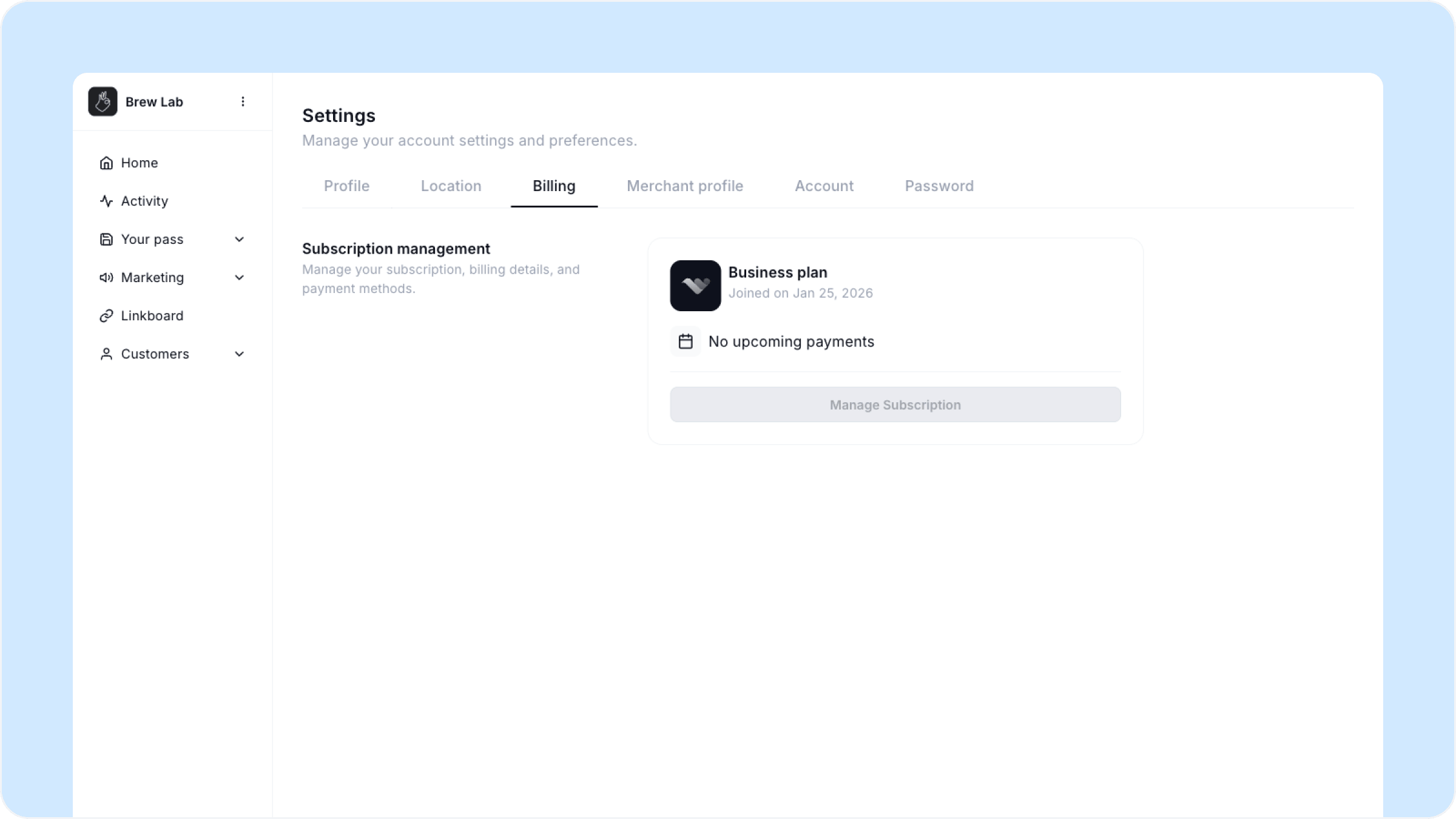
To start a trial for a new location, switch to that location using the location switcher in the top left, then go to Settings and Billing.
Choosing the right plan per location
A few things to consider when deciding which plan to put each location on:
Starter makes sense for a newer location that is still building its customer base and does not yet need automation or advanced insights
Loyalty makes sense for an established location where you want to run re-engagement Moments, birthday rewards, and access deeper customer insights
Growth makes sense for your busiest or highest-revenue location where you want hands-on support and dedicated account management
You can always upgrade a location later as it grows. Your pass, rewards, and customer data carry over automatically when you upgrade.
Managing billing across locations
Each location has its own billing managed independently. To view or update the plan for a specific location:
Switch to that location using the location switcher
Go to Settings, then Billing
From here you can view your current plan, upgrade, or start a trial if the location is not yet active
If you are not sure which plan to start a new location on, start with Starter. It gets the location live and you can upgrade once you have a sense of the customer volume and what features you need.
FAQs
Can two locations share a subscription? No. Each location needs its own plan. Subscriptions are not shared across locations.
If I upgrade one location does it affect my other locations? No. Upgrading or changing the plan for one location has no effect on any other location in your account.
Can I cancel a plan for one location without affecting others? Yes. Each location's subscription is managed independently so cancelling one does not affect the rest.
What happens to a location's data if I cancel its plan? Your data is retained. If you reactivate the location later your pass, rewards, and customer history will still be there.
Can I be billed for all locations together? Contact our support team if you need consolidated billing across multiple locations.
Next steps
Managing multiple locations
Adding a new location
Starting your free trial