Sharing a rewards program across locations
Let customers earn and redeem points across all your locations by linking them to a single rewards program.
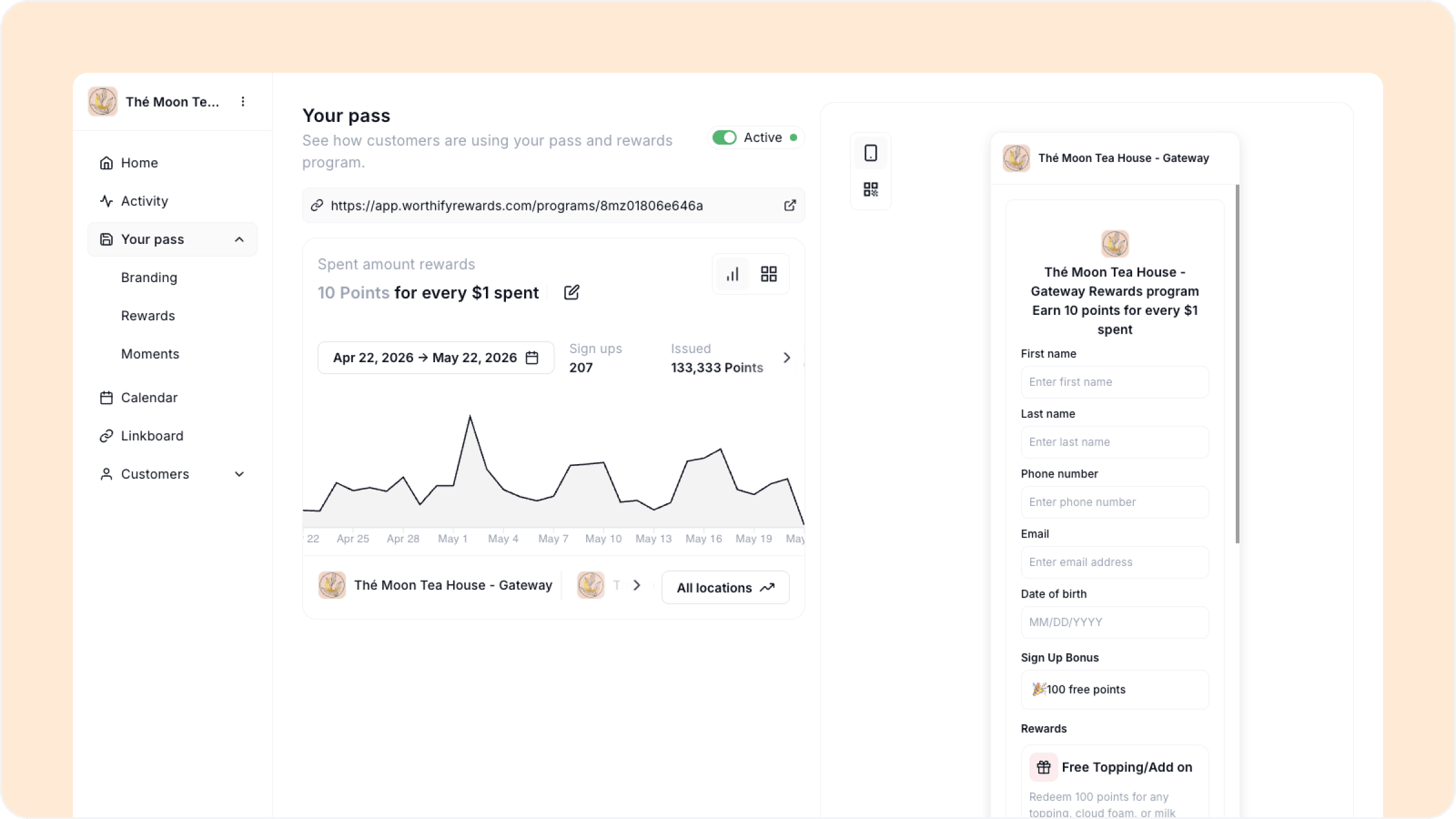
Overview
If you run multiple locations you can link them all to the same rewards program. When locations share a program, customers can earn points at any of them and redeem their rewards at any of them too — no matter which location they originally joined at.
This is the recommended setup for most multi-location businesses. It creates a seamless experience for customers and means you only have to manage one program instead of several.
How to link locations to a program
When creating or editing a rewards program you will see a Select locations step at the bottom of the setup flow. All your locations are listed here — select every location you want to include in this program and click Create program or Update.
From that point all selected locations are linked to the same program and share the same mechanics.
What sharing a program means in practice
For customers A customer who saves your pass at one location is enrolled in the program at all linked locations. They can earn points at any location and redeem rewards at any location running the same program.
For you The program configuration — program type, points per visit or spend amount, and terms — is the same across all linked locations. If you update the program at any location the changes apply everywhere. You do not need to update each location separately.
Redeemable rewards Redeemable rewards are still managed per location even when locations share a program. This gives you the flexibility to offer different rewards at different locations while keeping the earning mechanics consistent.
If your locations have very different customer bases or average transaction sizes, think carefully before linking them to the same program. A spend-based program that works well at a high-volume location may feel out of reach to customers at a smaller one.
FAQs
If I change the program at one location does it update all linked locations? Yes. Because the locations share a single program, any change to the program configuration applies to all of them immediately.
Can a customer redeem a reward they earned at one location at a different location? Yes, as long as both locations are linked to the same program and have the relevant redeemable reward set up.
Can I unlink a location from a shared program? Yes. Go to Your pass, then Rewards and edit the program to deselect any locations you want to remove. That location will no longer be part of the shared program and you will need to create a new program for it separately.
Can some locations share a program while others have their own? Yes. You can have a group of locations on a shared program and other locations running their own separate programs within the same account.
Do redeemable rewards need to be set up at every location? Yes. Even on a shared program, redeemable rewards are configured per location. A reward set up at one location is not automatically available at others.
Next steps
Managing multiple locations
Location-specific subscriptions
Adding and editing redeemable rewards