How customers use their wallet pass
What your customers see and do from the moment they scan your QR code.
Overview
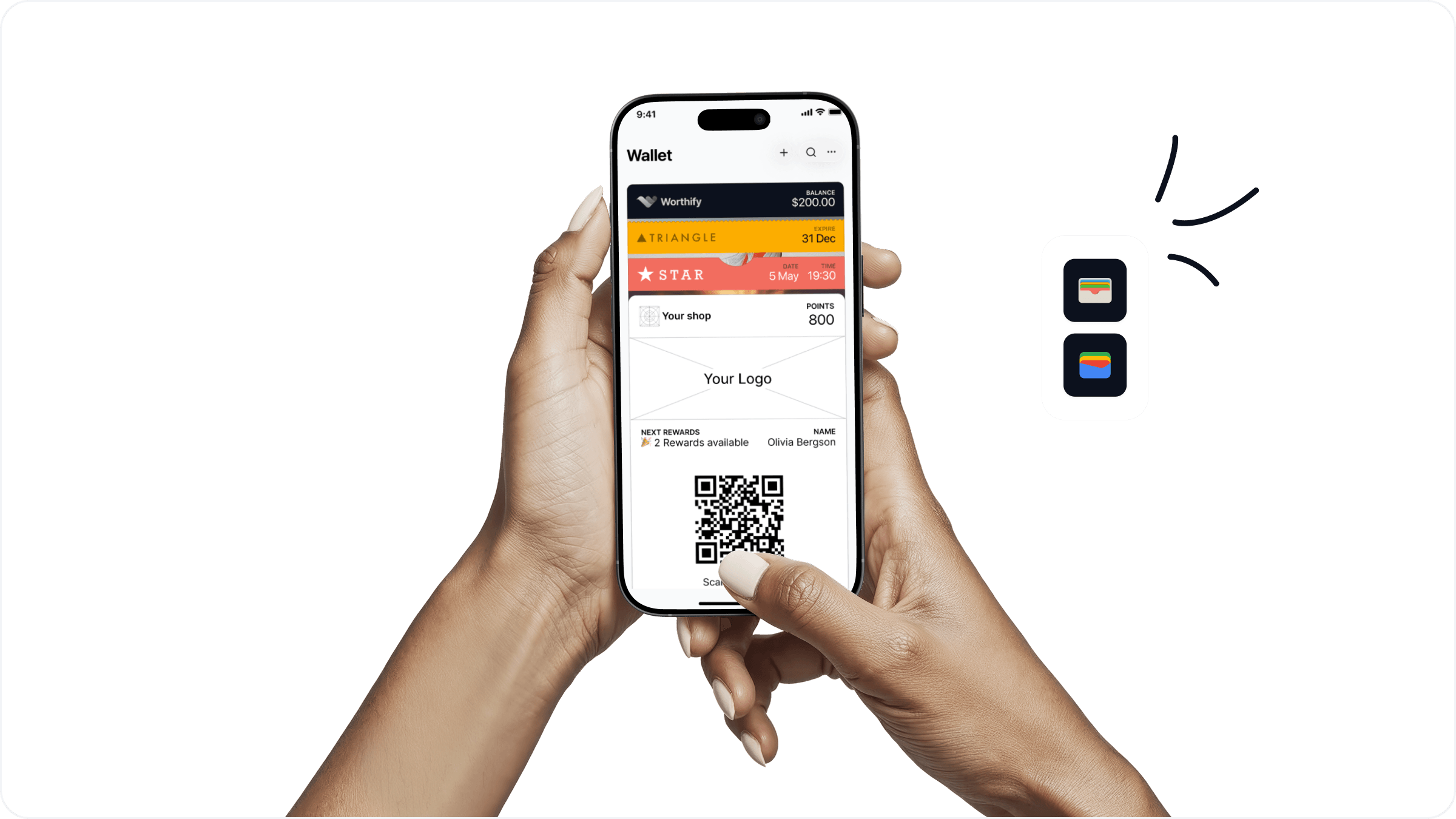
When a customer scans your QR code, they are taken through a quick sign-up flow and your branded pass saves directly to their Apple or Google Wallet. From that point on, the pass is their connection to your business — they use it to earn points, redeem rewards, and stay up to date with anything you send them.
Understanding what your customers experience helps you and your staff make the most of every interaction.
How a customer joins
Customer scans your QR code at the counter or taps your join link
They are taken to your join page showing your branding and rewards program details
They tap to save the pass to their Apple or Google Wallet
The pass saves instantly — no app download, no account creation, no friction
The whole process takes about 30 seconds.
What the pass looks like
Once saved, customers can open their pass anytime from their wallet app. They will see:
Your logo and cover photo
Their current points balance
Their next reward and how close they are to earning it
Any rewards they have available to redeem
Links to your socials and website if you have added them
The pass updates automatically every time points are issued or a reward is redeemed. Customers never need to reinstall or refresh it.
How customers use the pass at checkout
When a customer is ready to make a purchase they open their wallet app and show the QR code on their pass. Your staff scan it using the Worthify scanner app to issue points or redeem a reward. That is all the customer needs to do.
If a customer does not have their pass open your staff can also search for them by phone number or email in the scanner app.
How customers receive notifications
If you have Reward Moments set up, customers will receive push notifications or emails at key moments — when they earn points, when they redeem a reward, when they have not visited in a while, or on their birthday. These arrive directly on their lock screen from your business name, not from Worthify.
FAQs
Do customers need to download an app? No. The pass saves directly to Apple or Google Wallet which comes pre-installed on every iPhone and Android phone.
What if a customer gets a new phone? Their pass and points balance are tied to their account, not their device. They can save the pass again on their new phone and everything carries over.
Can a customer have passes from multiple businesses? Yes. Customers can save passes from as many Worthify merchants as they want. Each one appears separately in their wallet.
Does the pass expire? No. The pass stays in the customer's wallet until they choose to remove it.
Can customers see their full points history? Customers can see their current balance and available rewards on the pass. For a full history they would need to contact you directly.
Next steps
Creating your merchant account
Setting up your pass
Ways customers can join your pass