Staff usage and permissions
Add your team to Worthify and control what each person can access.
Overview
Worthify lets you add as many team members as you need and assign each one a role that controls what they can see and do. Whether you have one person running the counter or a team across multiple locations, permissions make sure everyone has access to exactly what they need and nothing more.
To manage your team, go to Team in your dashboard.
Adding a team member
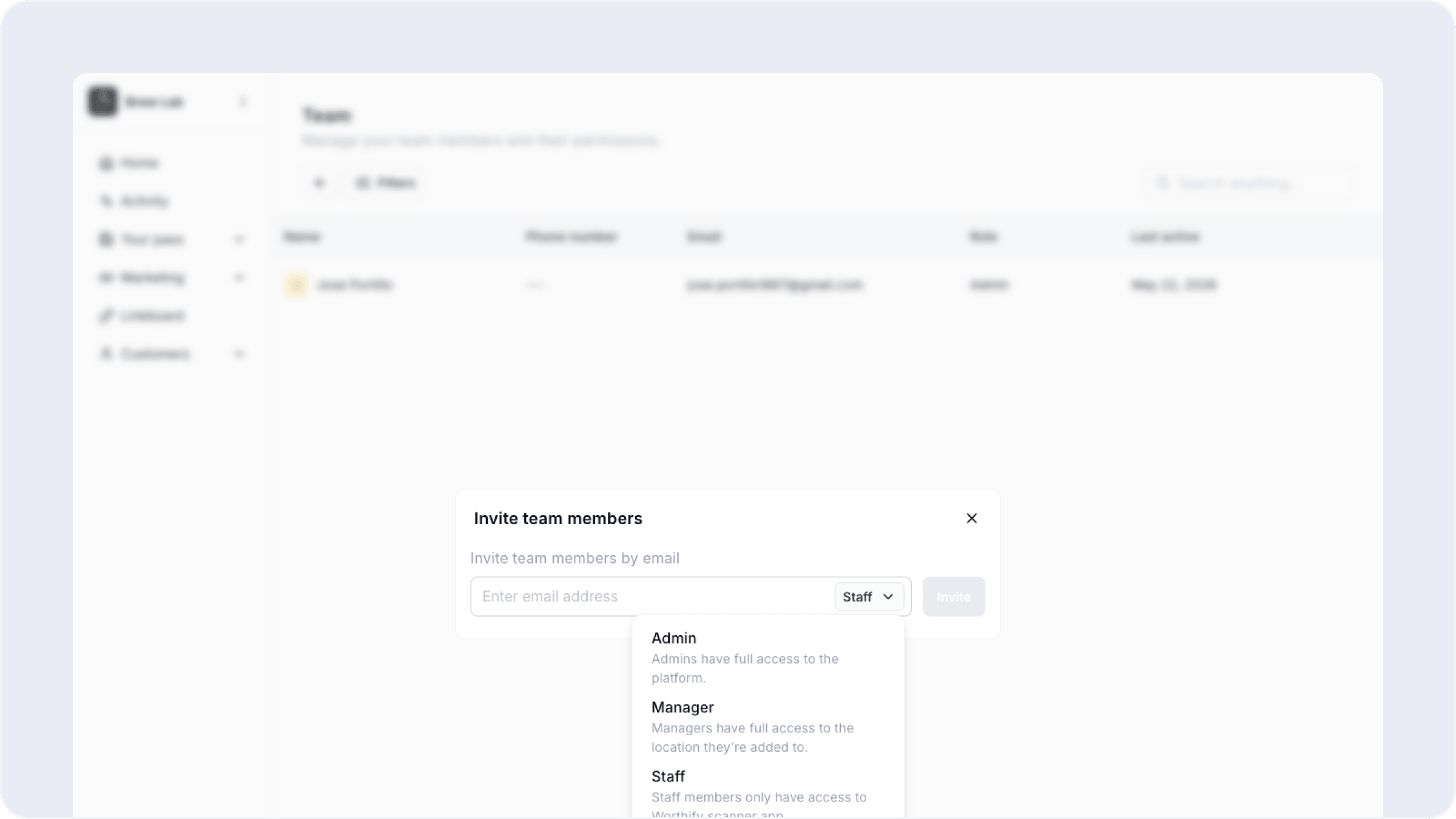
Click the plus icon at the top of the Team page. Enter their email address, select their role, and click Invite. They will receive an email invitation to join your Worthify account.
The three roles
Admin Full access to the entire platform across all locations. Use this for business owners or trusted managers who need to manage the program, view all reporting, and make changes to settings.
Manager Full access to the location they are assigned to, both on the dashboard and in the scanner app. Use this for location managers who need to run day to day operations at a specific store but should not have access to other locations or account-wide settings.
Staff Scanner app access only. Staff can scan passes, issue points, and redeem rewards at checkout but cannot access the dashboard. Use this for front of house team members whose only job is to stamp points at the register.
Staff is the right role for most of your team. Only give Admin access to people who genuinely need to manage the program itself.
What each role can do
FAQs
Can I change a team member's role after inviting them? Yes. Click on any team member in your Team list to update their role at any time.
Can I remove a team member? Yes. You can remove any team member from the Team page. They will immediately lose access to the dashboard and scanner app.
How does a staff member sign in to the scanner app? They download the Worthify Rewards Scanner app from the App Store or Google Play and sign in with the credentials from their invitation email.
Can a manager see other locations? No. Managers only see the location they have been assigned to, both in the dashboard and in the scanner app.
Is there a limit to how many team members I can add? No. You can add as many team members as you need on any plan.
Next steps
Training staff to promote rewards
Setting up your scanner
Managing multiple locations